
Chatki Registration, Login and Verification Process
Creating a Chatki account gives you full access to real-money casino games, sports betting, and a 100% welcome bonus on your first deposit up to 1,000 ETB. The sign-up process takes under 3 minutes, and you can complete it on the website or the mobile app. Logging in to your account keeps your funds, bets, and bonuses secure behind a personal password. Verification through KYC confirms your identity, protects your account from unauthorised access, and ensures your withdrawals are processed without delays. Support is available 24/7 if you need help at any stage of registration, login, or account verification.
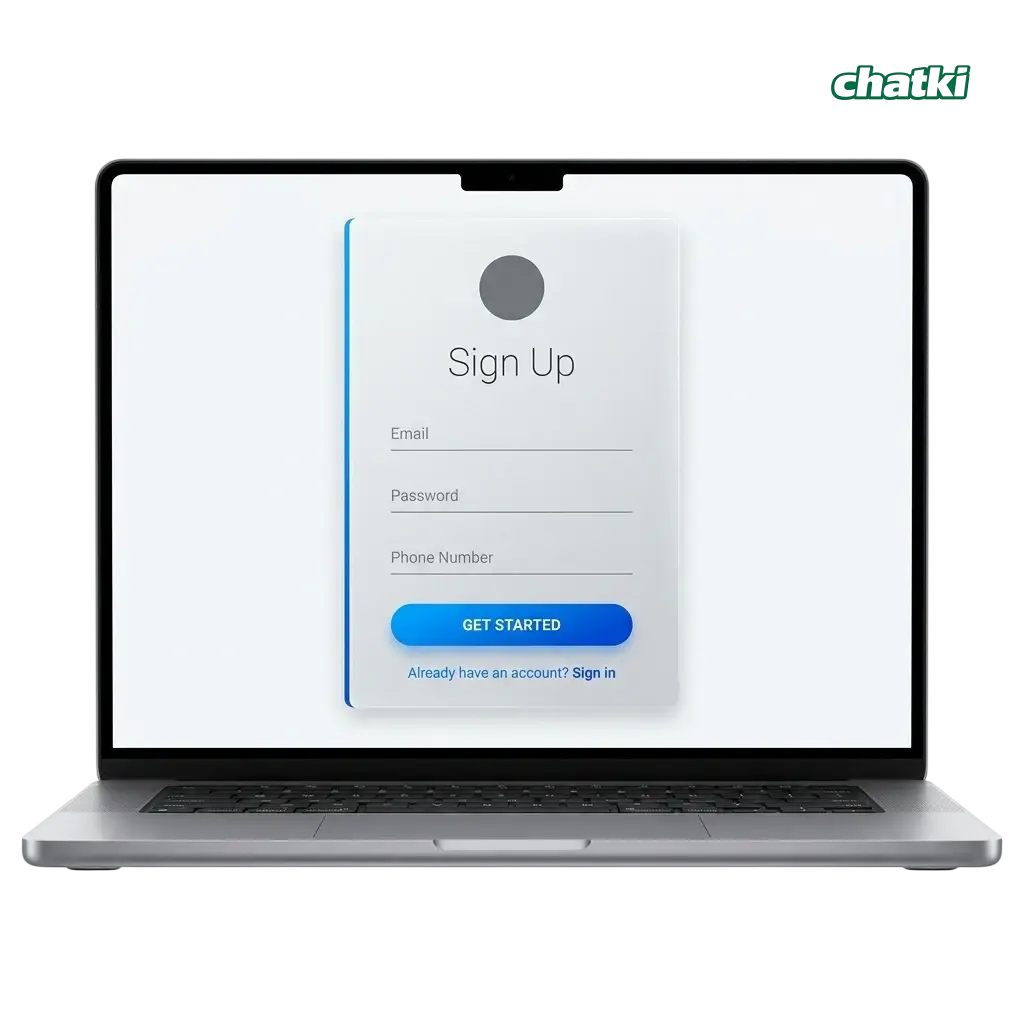
How to Sign Up on Chatki: Step-by-Step Instructions
The Chatki sign up process is straightforward and takes only a few minutes to complete. Follow these steps to create your account and start playing.
Click the registration button.

Use the button on this page to open the official sign-up form.
Choose your registration method.

Select email registration and enter your email address, a secure password, and your preferred currency (ETB). Alternatively, register using your phone number by entering your mobile number and a one-time SMS code.
Fill in your personal details.
Provide your full name, date of birth, and country of residence (Ethiopia).
Agree to the Terms and Conditions.

Tick the box confirming you are 18 or older and accept the platform rules.
Confirm your account.

Check your email or SMS for a confirmation code, enter it on the site, and your Chatki registration is complete.
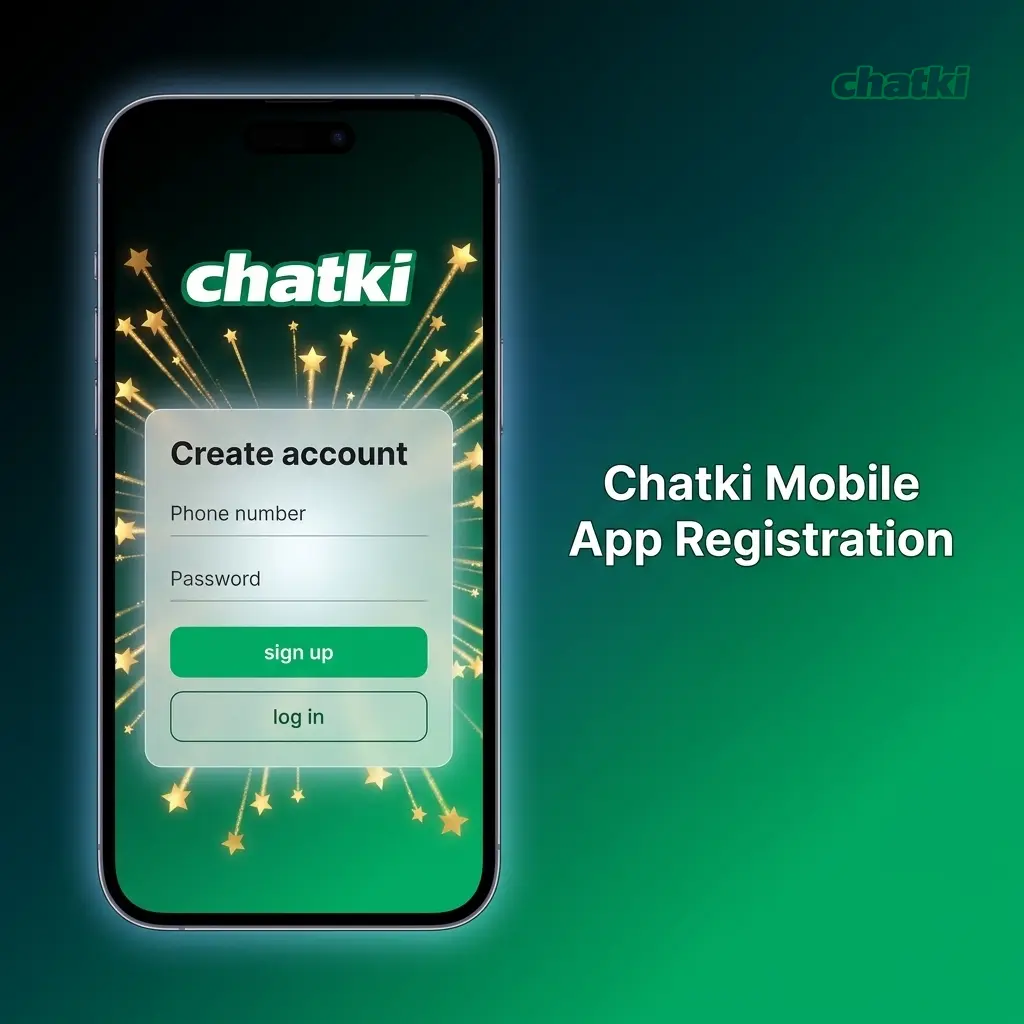
Chatki Mobile App Registration
Registering through the Chatki mobile app follows the same core steps as the website, with a layout optimised for touchscreen navigation. The app is available for Android and can be downloaded directly from the official site.
- Open the app and tap “Register”. Launch the installed Chatki app and tap the registration button on the home screen.
- Select your registration method. Choose between email or phone number sign-up.
- Enter your details. Provide your email address or phone number, a secure password, your full name, date of birth, and select ETB as your currency.
- Accept the Terms and Conditions. Confirm you are 18 or older and agree to the platform rules.
- Verify your contact. Enter the confirmation code sent to your email or phone to activate your new account.
Chatki Account Registration Requirements
Before you create an account, there are a set of conditions you must meet. These requirements protect all users on the platform and ensure compliance with applicable gambling regulations. Only one account per person is permitted; duplicate accounts will be suspended. Meeting these requirements also ensures your bonus eligibility and your ability to withdraw winnings without issues.
- You must be at least 18 years old at the time of registration;
- You must provide accurate personal information, including your real name, date of birth, and a valid email address or phone number;
- You are only allowed to hold one active account per household and per device;
- You must be a resident of Ethiopia or an eligible jurisdiction to access real-money play;
- You will be required to submit a valid government-issued ID (such as an Ethiopian national ID or passport) to complete identity verification before withdrawals.
Chatki Account Verification Process
Account verification (KYC) is required before you can process your first withdrawal. This step confirms your identity, prevents unauthorised access, and ensures your winnings are paid out to the correct account holder. For Ethiopia users, verification is typically completed within 24 hours after submitting the required documents.
- Log in to your account. Access your Chatki account and navigate to the verification section in your profile settings.
- Submit proof of identity. Upload a clear photo or scan of a valid government-issued document: your Ethiopian national ID, passport, or driver’s licence.
- Submit proof of address. Provide a recent utility bill, bank statement, or official document issued within the last 3 months showing your name and address in Ethiopia.
- Submit proof of payment method. If you deposited via a specific method (e.g., a bank account or mobile wallet), you may be asked to confirm ownership of that payment method.
- Wait for approval. The verification team reviews submitted documents and confirms your account status within 24 hours. You will receive an email notification once the process is complete.
How to Log In to Your Chatki Account
Accessing your account is fast once your Chatki registration is complete. Use the same credentials you created during sign-up.
Click the login button on this page.
This opens the Chatki account login screen.
Enter your registered email address or phone number.
Use the exact contact detail you provided during registration.
Enter your password.
Type your account password and click “Log In”.
Complete two-factor authentication if prompted.
If 2FA is enabled on your account, enter the code sent to your registered phone number or email to finalise the sign-in.
Welcome Bonus Available After Registration
A welcome bonus is available to all new players immediately after completing registration and making their first deposit. Both the casino and the sportsbook sections offer a dedicated first-deposit bonus, giving you the option to choose the one that fits your preferred type of play. Each bonus is credited to your account automatically once the qualifying deposit is made. Below are the full details for each offer.
| Bonus Type | Offer | Min. Deposit | Max. Bonus | Wagering Requirement |
|---|---|---|---|---|
| Casino Welcome Bonus | 100% match on first deposit | 100 ETB | 1,000 ETB | 30x bonus amount |
| Sportsbook Welcome Bonus | 100% match on first deposit | 100 ETB | 1,000 ETB | 5x bonus amount on accumulator bets with min. 3 selections at odds of 1.40 or higher |
Casino Bonus: Deposit 1,000 ETB and receive an additional 1,000 ETB in bonus funds, giving you 2,000 ETB to play with across eligible casino titles.
Sportsbook Bonus: Deposit 1,000 ETB and receive an additional 1,000 ETB in bonus funds to place on sports markets, including Ethiopian Premier League matches, international football, and other popular events.

How to Claim Your Welcome Bonus
The welcome bonus is credited automatically after your first qualifying deposit. Follow these steps to make sure you receive it.
- Complete your registration. Finish the sign-up process and confirm your account via email or SMS.
- Navigate to the cashier. Log in to your account and go to the deposit section.
- Select your bonus. Choose the casino or sportsbook welcome bonus before confirming your deposit.
- Make your first deposit. Deposit a minimum of 100 ETB using any supported payment method to trigger the 100% match up to 1,000 ETB.
Common Registration Problems and How to Resolve Them
Most registration issues have straightforward solutions. Below are the most common problems users encounter during the Chatki sign up process and the steps to resolve each one.
- Problem: Confirmation email not received. | Solution: Check your spam or junk folder. If the email is not there, request a new confirmation code from the registration page or contact support via live chat;
- Problem: Phone number already in use. | Solution: This means a Chatki account already exists with that number. Use the password recovery option to regain access, or contact support if you did not create that account;
- Problem: Registration form not submitting. | Solution: Check that all required fields are filled in correctly and that your selected password meets the minimum requirements (at least 8 characters, including one number). Try clearing your browser cache and reload the page;
- Problem: Country not available in the sign-up form. | Solution: Ethiopia is a supported country. If it does not appear, ensure your browser or VPN is not masking your location, and try again;
- Problem: Account blocked immediately after creation. | Solution: This may occur if a duplicate account is detected. Contact support with your registration email or phone number for clarification.
Chatki Account Password Recovery
Forgetting your password does not mean losing access to your account. The password reset process is handled directly through the login page and takes only a few minutes. Resetting your password via verified contact details keeps your account fully secure.
- Click “Forgot Password” on the login page. Find this link directly below the password field on the sign-in screen.
- Enter your registered email address or phone number. The platform will send a reset code or link to your verified contact.
- Check your email or SMS. Open the reset email or SMS and click the provided link or copy the reset code.
- Create a new password. Enter a new password that meets the minimum security requirements (at least 8 characters, including at least one number).
- Log in with your new password. Return to the login page, enter your credentials, and access your account.
Closing Your Chatki Account
You can request account deletion at any time if you choose to stop using the platform. Before submitting a closure request, ensure you have withdrawn all available funds from your account balance.
- Log in to your account. Access your profile settings from the main navigation menu.
- Navigate to Account Settings. Find the “Close Account” or “Deactivation” option in your profile settings.
- Submit your closure request. Follow the on-screen instructions to confirm your decision. Alternatively, contact the support team via live chat or email to request account deletion directly.
- Confirm the closure. You will receive a confirmation email once your account has been successfully closed.
Frequently Asked Questions About Chatki Registration and Login
How long does Chatki account verification take?
Verification is completed within 24 hours of submitting all required documents. You will receive an email notification once your account is fully verified.
Can I use M-Pesa or other mobile wallets to deposit after registration?
Chatki supports several payment methods for Ethiopian players. Check the cashier section after logging in to see all currently available deposit and withdrawal options, including mobile money services.
Is it possible to have two accounts on Chatki?
No. Each user is permitted only one account per person, per household, and per device. Duplicate accounts are subject to permanent suspension and forfeiture of bonuses.
Are my personal details safe during the registration process?
The platform uses SSL encryption to protect all data submitted during sign-up and login. Personal information is collected solely for KYC and account security purposes and is not shared with third parties outside regulatory requirements.
Can I change the currency I selected during registration?
Currency selection is made during sign-up and cannot typically be changed after the account is created. If you selected the wrong currency, contact the support team directly before making your first deposit.
Updated: